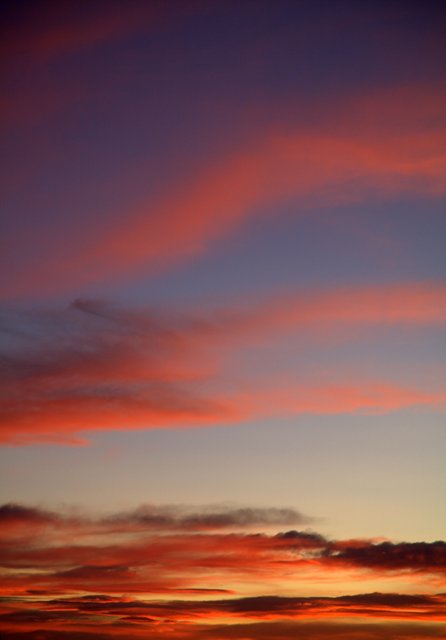
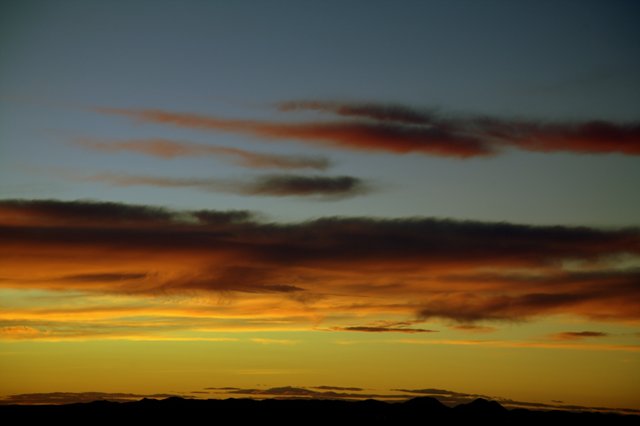
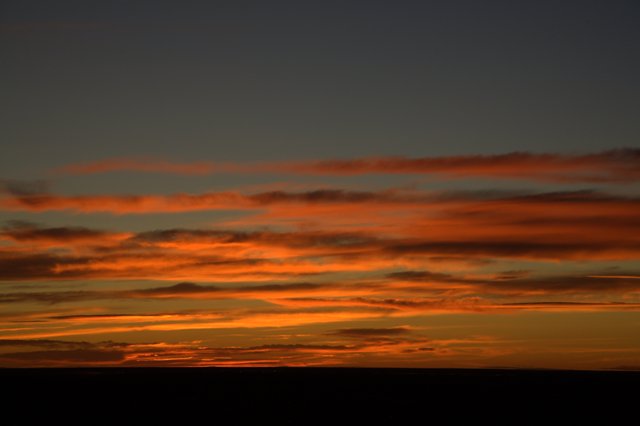
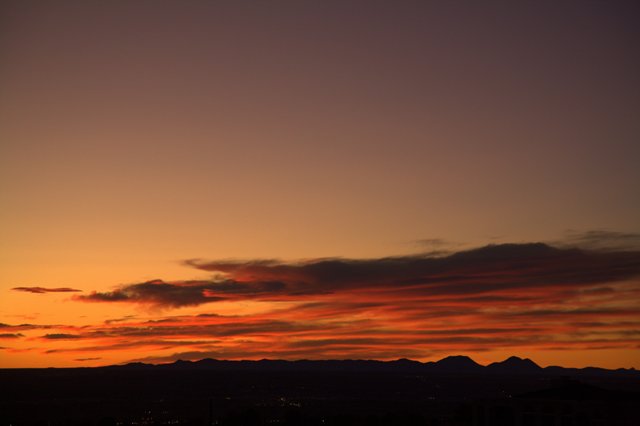
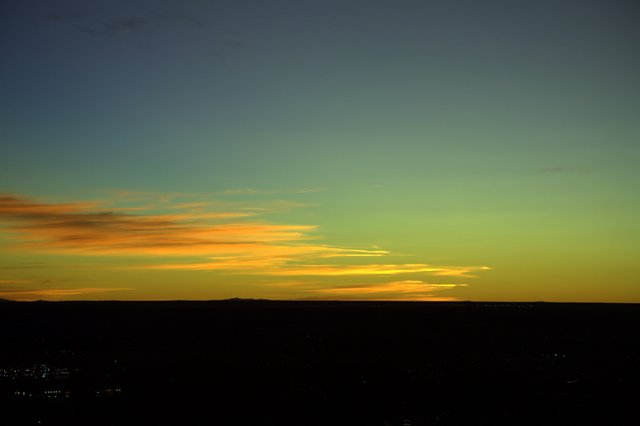
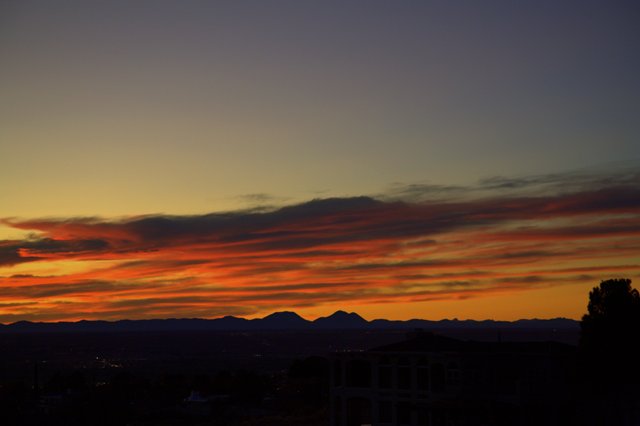
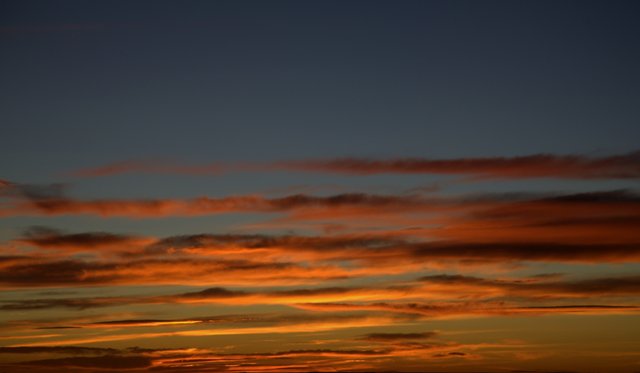
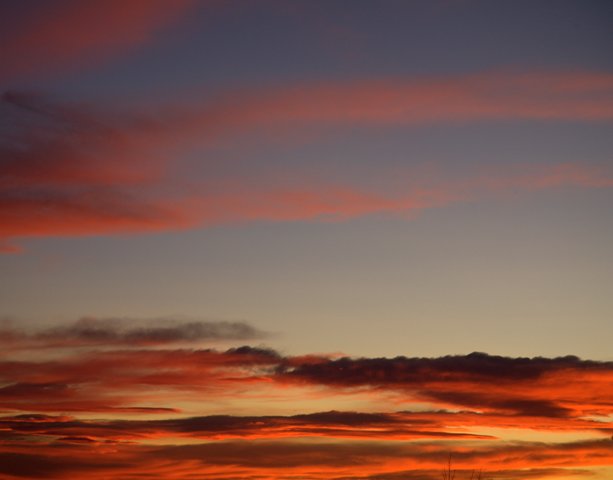
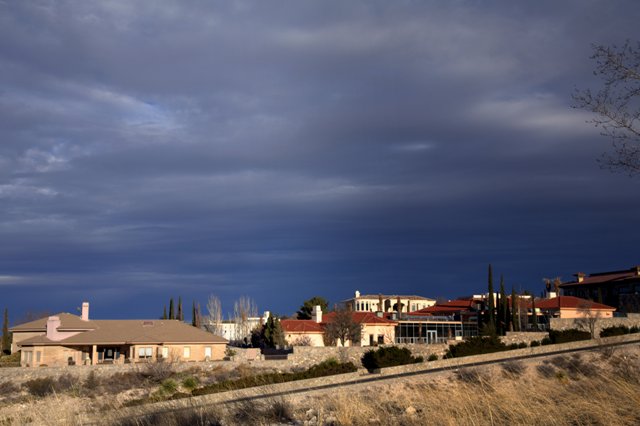
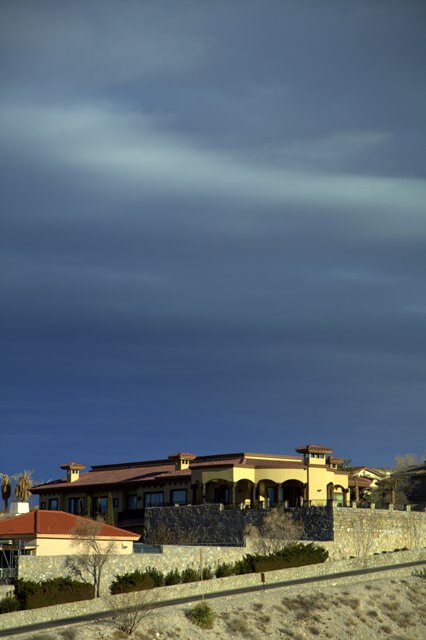
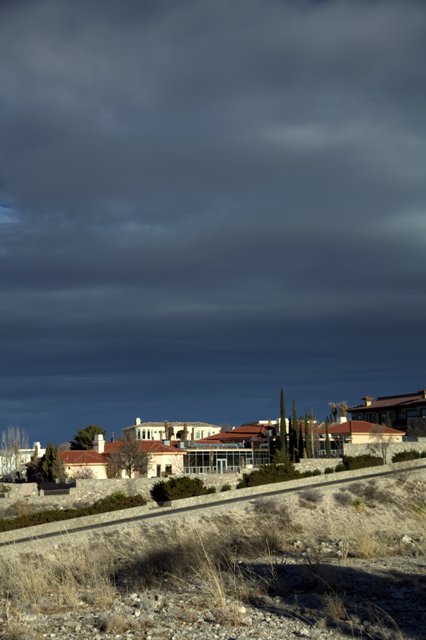
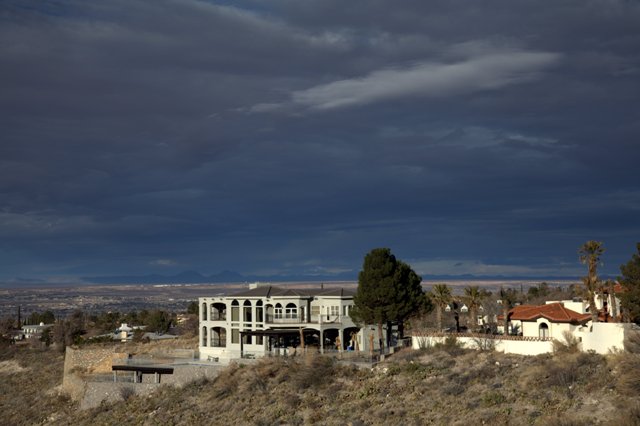
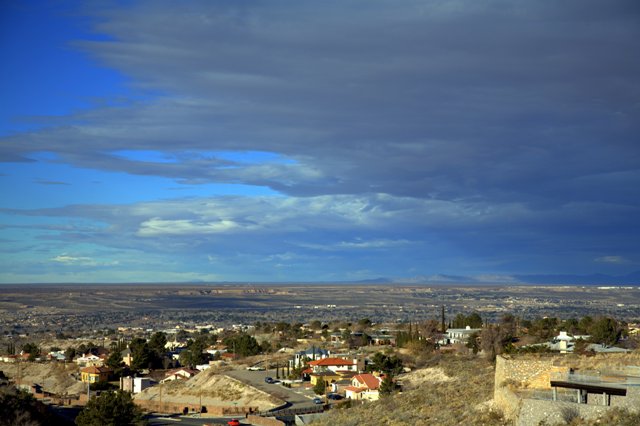
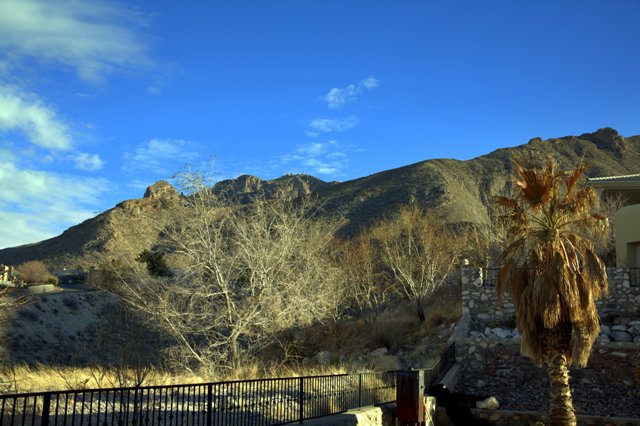
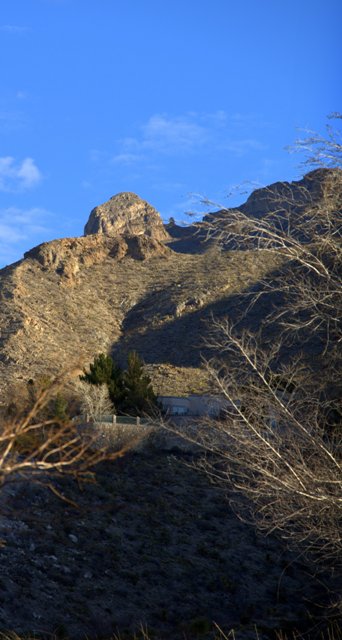
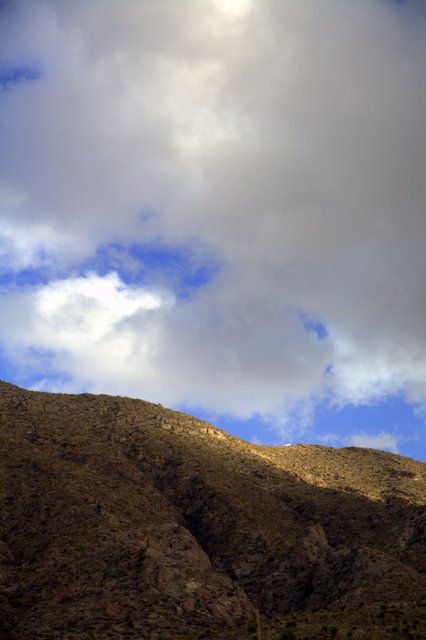
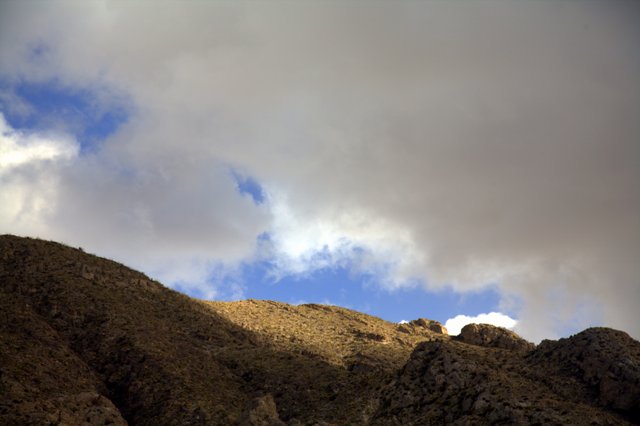
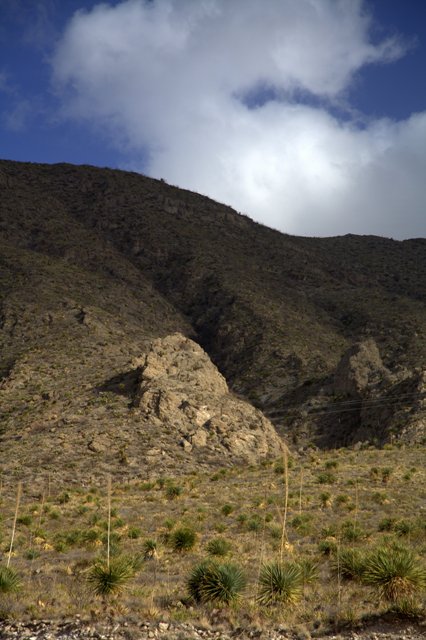
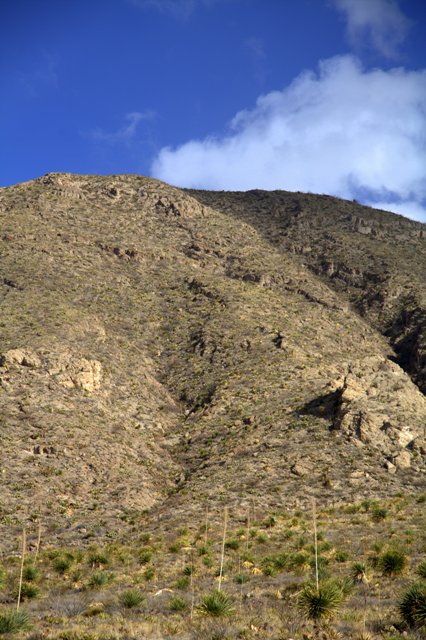
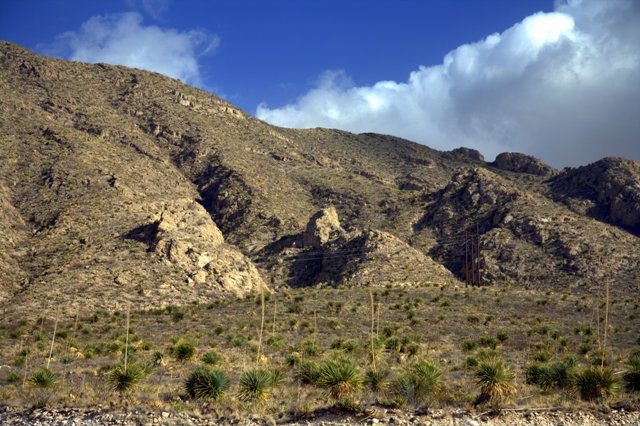
We enjoyed a really dramatic sky on Monday, made more so by the sunlight shining in the foreground against the backdrop of ominously dark clouds. Snatching my camera, I took the opportunity to snap a few shots from the backyard, and then later went out to the front yard to get some shots of the Franklin Mountains. These pictures were taken in raw format, and then post-processed using Google’s free Picasa photo editing software.
The tweaks I used included: In the Commonly Used Fixes Menu—I started with either the I’m Feeling Lucky or Auto Contrast selections followed on some photos with Straighten and Crop; Under Finely-Tuned Lighting and Color Fixes—Color Temperature and Fill Light were tuned; Moving on to the Fun and Useful Image Processing—I mildly increased the Saturation of most of these shots, and then on all of them I used Graduated Tint to emulate a graduated neutral density filter. This final step darkened and added even more drama to the already cloudy backgrounds and increased the bluish tint of any sky showing through the cloud layer and above the mountains.
Total time spent in post-processing was considerably less than half an hour. It’s just simply amazing what you can do with this free software package and a little experimentation.






 Decisions — Murder in Paradise
 The Globe — Murder in Luxury
